- 3D websites
- Technology
How a 3D project website works, from model file to live link
The Drawn Light team · · 1 min read
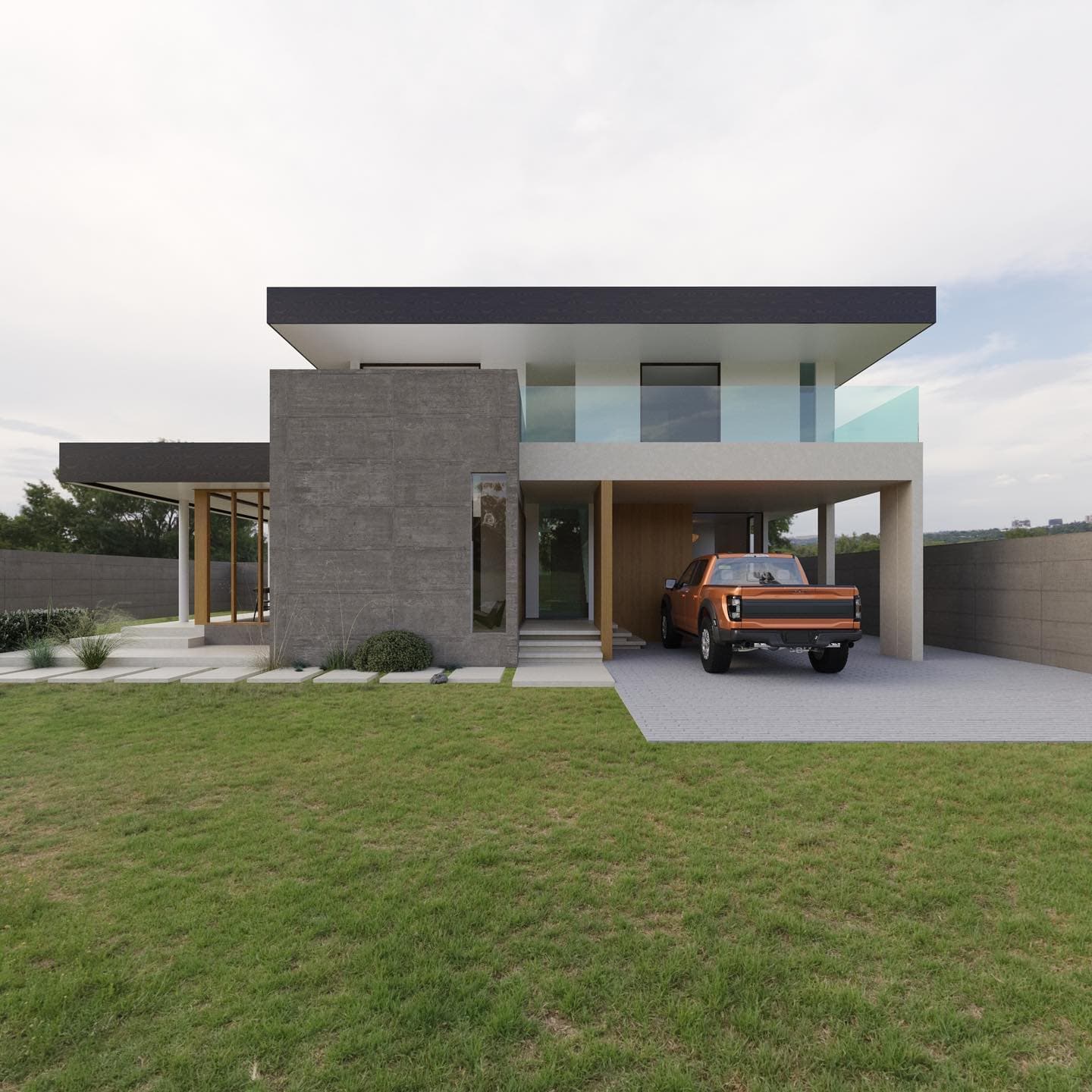
A project website isn't a gallery with a 3D widget bolted on. The model is the page: everything else — rooms, notes, renders, plans — hangs off it.
The model
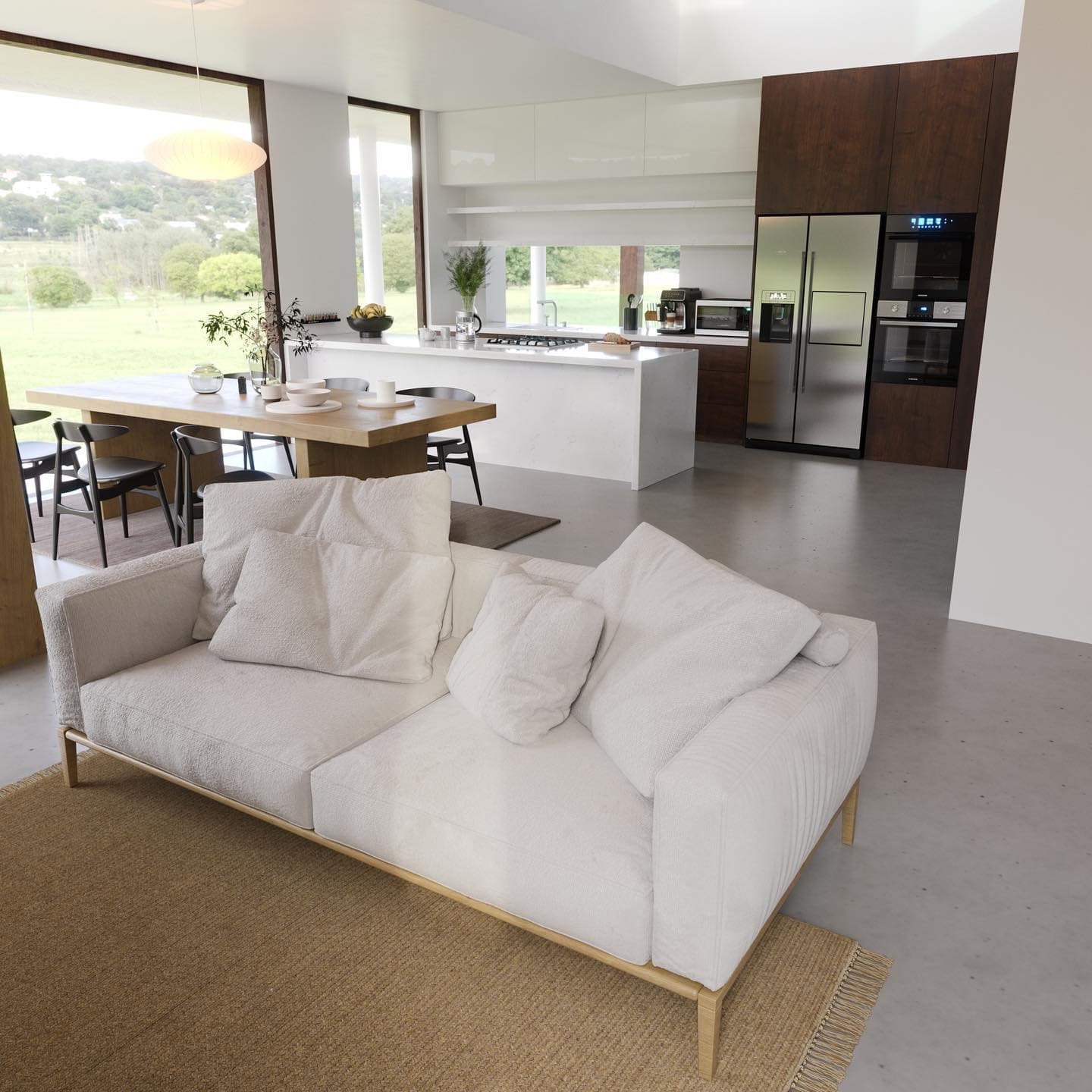
We export the approved scene as a single glTF (.glb) file: the whole building with its interiors in their real positions, real textures, and lighting baked in so it looks close to a render while staying fast on a phone.
What we build around it
- An opening view, so the site always starts on the building's best angle.
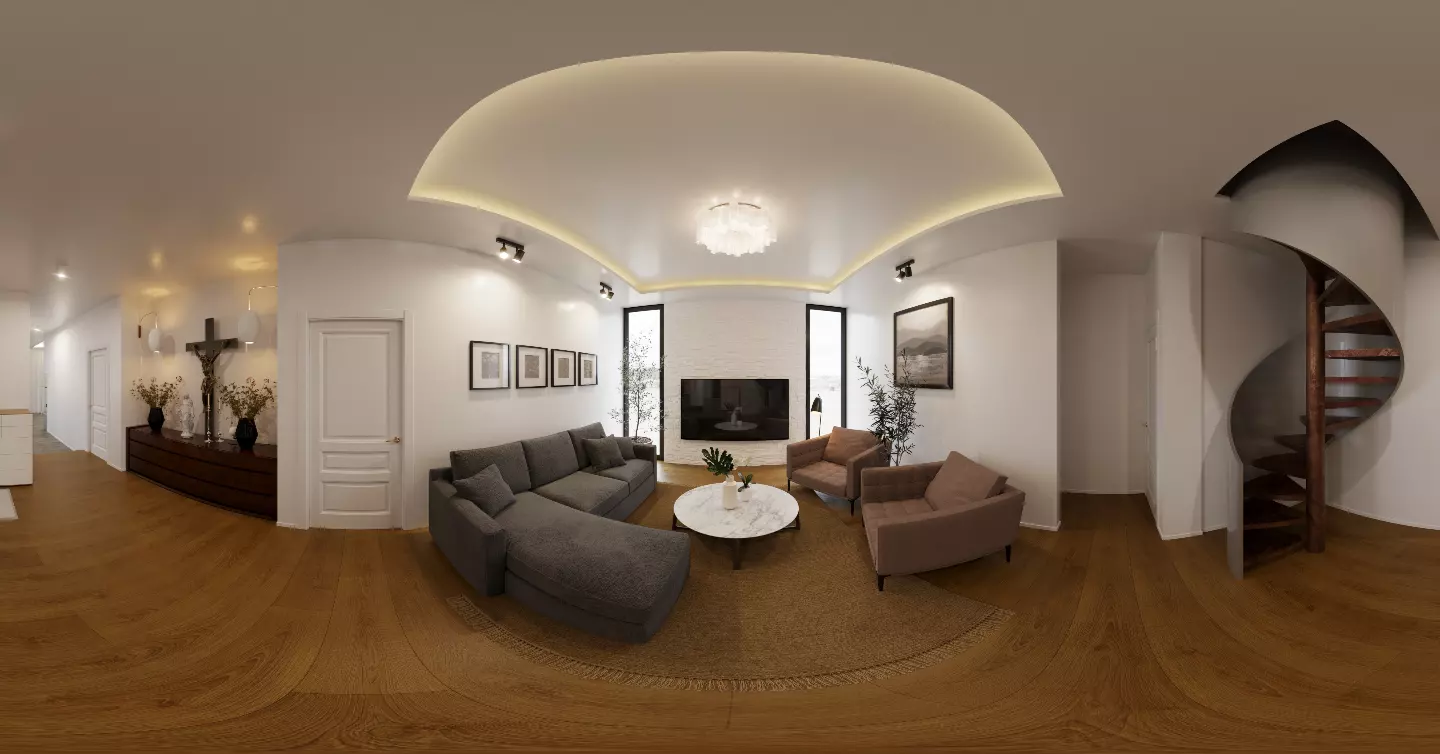
- Rooms: named camera positions buyers jump between — Entrance, Living, Master bedroom.
- Hotspots pinned to the model with notes on finishes and fittings.
- The gallery of approved renders, the floor plans, and the project's details.
Going live
Before anything is public, the site is previewed exactly as buyers will see it. Publishing gives it a short address named after the project, locked from then on so printed links and QR codes keep working. Later changes stay in draft until you publish again.